
What to Do If You're Incorrectly Flagged as an Overstayer in the Schengen Zone
Written with artificial intelligence.
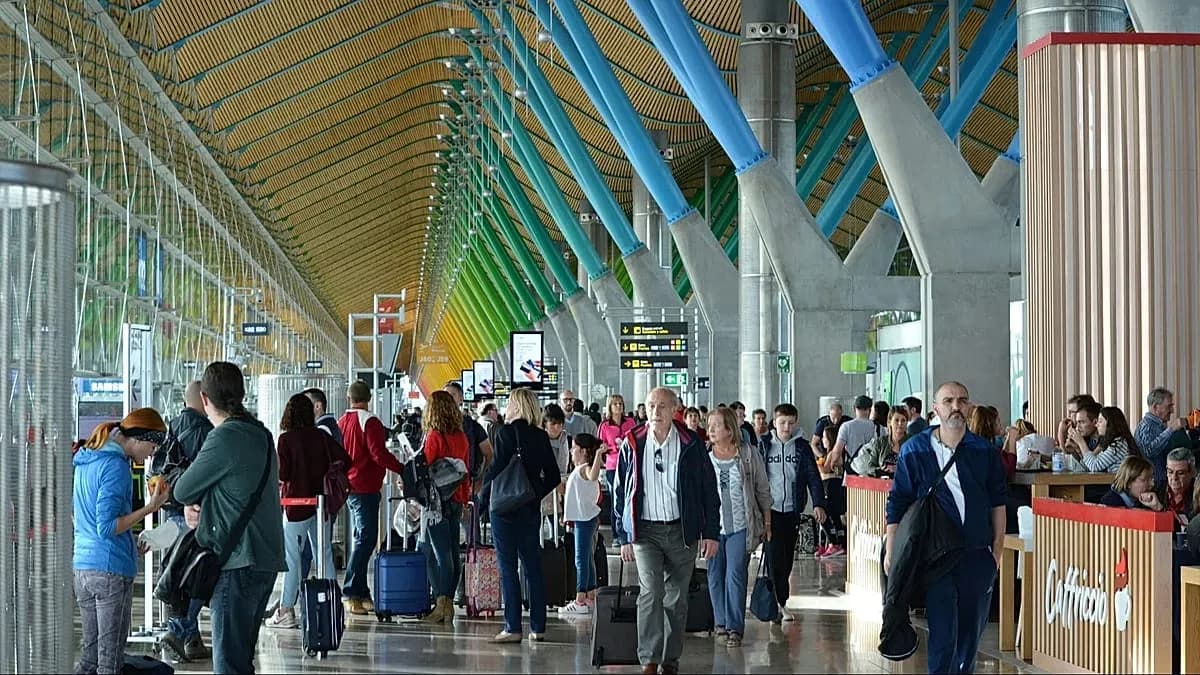
Travelers are facing issues with the EU's Entry/Exit System (EES), leading to incorrect overstaying flags. If you believe you've been misidentified as an overstayer, here's how to resolve it.
Understanding the EES and the Overstay Issue
The EU's Entry/Exit System (EES), implemented to digitally track entries and exits in the Schengen Area, has raised concerns among travelers. Launched on 10 April 2023, it affects 29 countries and aims to automatically identify overstayers, allowing non-EU citizens a maximum stay of 90 days within a 180-day period.
However, some travelers are finding that their exits are not recorded, resulting in a false indication of overstaying. This issue can lead to severe penalties, including hefty fines and potential bans from re-entering the Schengen Zone. A notable case involved British author Jojo Moyes, who faced a €10,000 fine after her exit was not logged during her travels.
Steps to Correct an Overstay Flag
If you suspect that you have been incorrectly flagged as an overstayer, follow these steps:
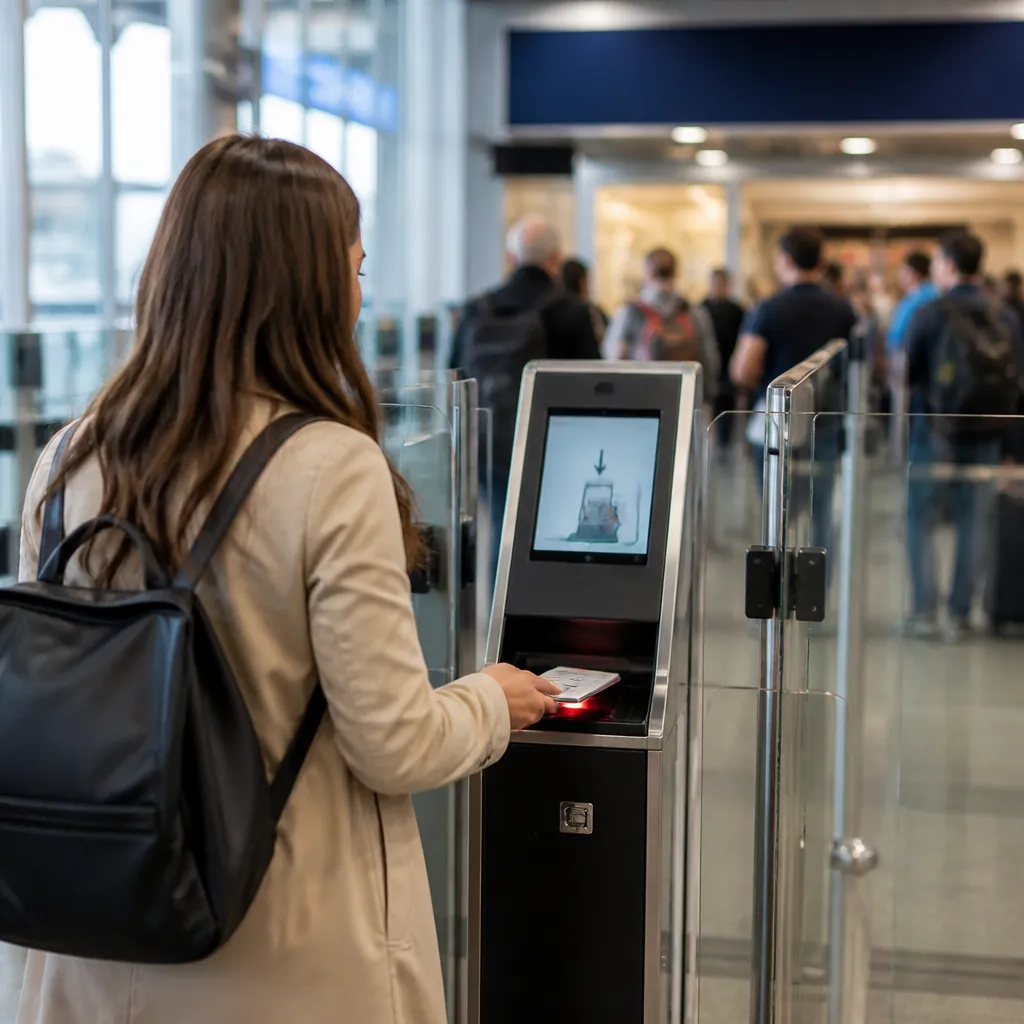
1. Check Your Days: Visit the EES website to verify how many days you have spent in the Schengen Zone over the past 180 days. 2. Identify Errors: Look for discrepancies such as incorrect day counts or messages of ‘incomplete data’. 3. Contact the Data Controller: Find the contact information for the Data Controller of the country where you believe the error occurred on the EES website. 4. Prepare Your Evidence: When you email the Data Controller, include a scan of your passport and proof of your exit, such as a boarding pass or bus/train ticket.
Taking these steps can help resolve the issue and prevent further complications during your travels.